Elementor’s Ideal User Profile
Who Elementor is best for often comes down to intent rather than technical skill. An ideal use case is a website where design, performane and user experience matters, now and always. You want pages that look polished today, while still feeling unified as the site expands.
Many Elementor Pro users are not only looking for a visual editor. They are looking for a practical way to manage site-wide design and structure from one place, so branding and layout decisions carry across the entire website. If you want a broader sense of where it sits in WordPress, see what Elementor really is and where it fits in WordPress.
👍 In this context, skill level matters less than mindset. Elementor tends to appeal to people who care about picture-perfect design, but also want that design to remain consistent as content and pages change. For many readers, understanding who Elementor is best for becomes clearer when they think in terms of long-term design systems rather than individual pages.
Elementor Pro supports this approach by giving you global control over templates, typography, colors, spacing, and layout behavior. When those settings are used consistently, they can reduce repetitive page-by-page styling. If you want the practical mechanics that supports sites for the long run, explore Design Decisions That Prevent Future Breaks.
Top Tip: Elementor tends to feel most manageable long-term when you rely on global rules more than one-off styling.
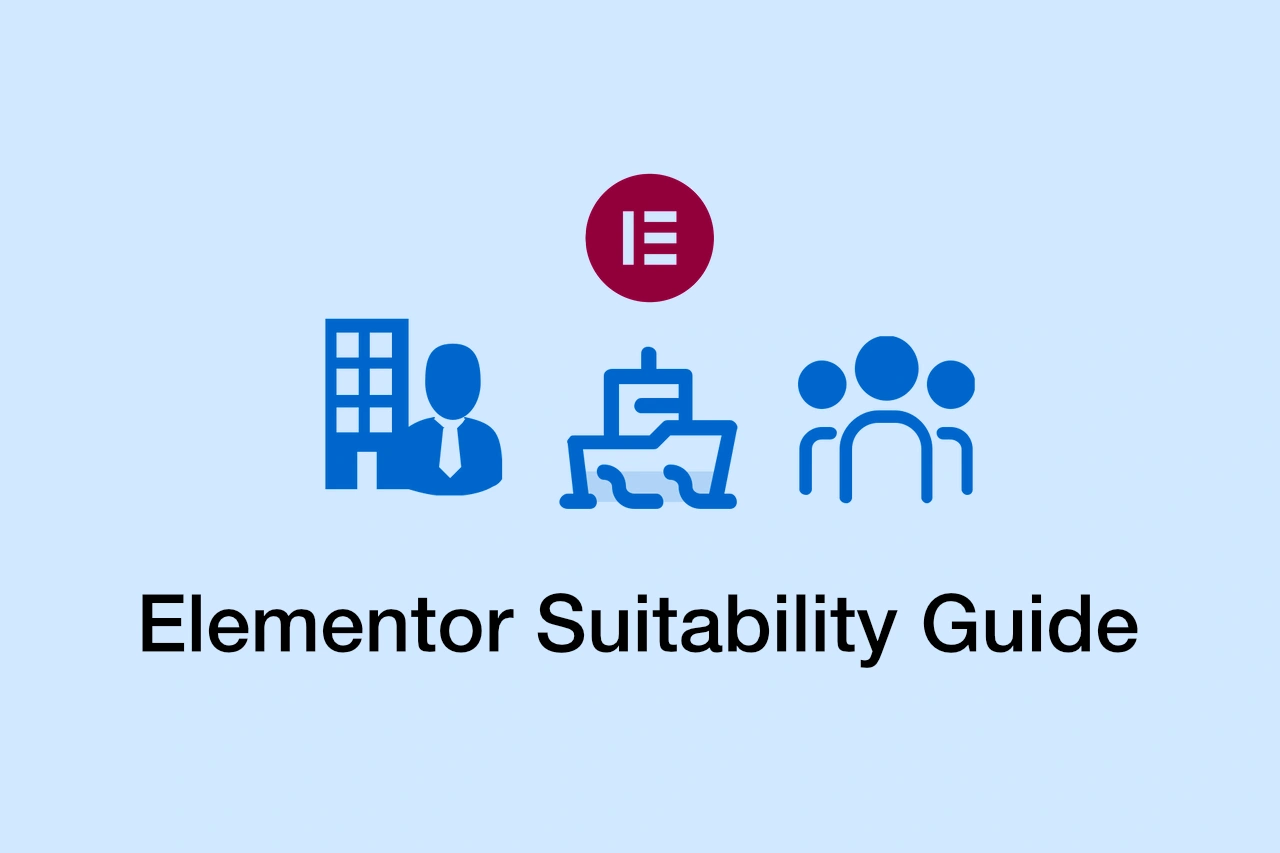
In practice, this often includes solo builders, content-driven sites, and teams or businesses managing larger websites. The workflows differ, but the goal is similar: keeping design unified over time.
🎯 Who This Guide Is For: Site owners, creators, developers, and teams who want to evaluate whether Elementor fits their design goals, workflow preferences, and long-term plans.
⏸ Who This Guide May Not Be Ideal For: Readers looking for a fully automated website setup with no design decisions, or those building very small, short-term projects where long-term consistency is not a priority.
Elementor for Solo Builders
A common Elementor use case is solo building, especially when one person is responsible for design, content, and structure. In that setup, speed matters, but so does keeping the site consistent without extra overhead.
Elementor’s visual editor can reduce friction for solo builders. You can build pages quickly, adjust layouts in real time, and refine sections without bouncing between mockups and live previews.
Where Elementor Pro often becomes relevant is when the site grows beyond a few pages. Global styles, templates, and shared layouts make it easier to keep a consistent look and feel without redoing design decisions every time.
This is also where solo sites typically shift from “build fast” to “build in a way that scales.” That transition becomes more noticeable as WordPress sites evolve over time.
Top Tip: For solo sites, consistency is easier when layouts are reused instead of reinvented on each page.
This makes Elementor a practical fit for freelancers, independent site owners, and creators who want professional results without managing a full development stack day to day.
Elementor for Content-Heavy Sites
Another strong Elementor use case is content-heavy publishing, where new pages go live regularly and older pages get refreshed. In that environment, design consistency matters just as much as editing efficiency.
When global styles and templates are in place, content teams can publish without redesigning each page. Typography, spacing, and visual hierarchy stay consistent even as the content library grows.
This is particularly relevant for blogs and editorial sites, where updates are frequent and workflows tend to repeat. If that describes your site, see whether Elementor is a good choice for blogging for a more targeted decision guide.
Top Tip: Content-heavy sites are easier to maintain when layouts adapt to content changes, not the other way around.
Elementor for Businesses & Teams
Elementor is also commonly used in business settings where multiple contributors need to maintain a unified brand across many pages. In these environments, design control tends to be more about governance than experimentation.
Global styles, templates, and shared layouts make it easier for teams to define branding once and apply it everywhere. This aligns with broader best practices referenced in documentation on WordPress.org around how page builders are typically used in real sites.
Top Tip: Team workflows tend to stay cleaner when design rules are defined centrally and reused consistently.
Is Elementor Always the Right Fit?
Elementor can be a strong option for site-wide design control, but it is not automatically the right choice for every project. Most mismatches happen when expectations do not match how Elementor is typically used.
For example, if you want a fully automated setup with minimal configuration, Elementor may feel too hands-on. It tends to reward intentional setup rather than instant results.
Another scenario is overengineering. Elementor can handle complex layouts and systems, but using it for very small or short-lived projects can introduce unnecessary overhead.
Some users also prefer environments where structure is defined entirely in code. Elementor can work alongside custom development, but it may not fit workflows where all control is expected to live in templates and files. As a general framing principle, Google Web Dev often emphasizes matching tools to project scope and constraints.
Top Tip: Elementor tends to make the most sense when consistency and long-term control matter more than minimal setup.
How to Decide if Elementor Fits You
If you value visual precision, unified branding, and the ability to make site-wide changes from one place, Elementor may align well with your workflow, especially for projects expected to grow or evolve.
Top Tip: Elementor is often a good fit when consistency, control, and scalability matter in addition to site performance.
Frequently Asked Questions
Q: Who is Elementor best suited for?
A: Elementor is commonly used by people who want strong control over site-wide design and consistency, including solo builders, content-driven websites, and teams that need unified branding.
Q: Is Elementor only for beginners?
A: No. Elementor is also used by developers and experienced site builders who prefer centralized design control without managing every change through code.
Q: Do I need Elementor Pro to manage design consistency?
A: Elementor Pro is not required for basic layouts, but it often helps if you want site-wide controls like templates and global styling that reduce repetitive design work.
Q: Is Elementor a good choice for long-term websites?
A: It can be, particularly when it is used as a design system rather than only a page editor, with consistent use of shared styles and reusable layouts.
Q: When might Elementor not be the right fit?
A: Elementor may be less suitable for very small or temporary sites, or for workflows that prioritize minimal setup with no ongoing design management.